
A clearer plan for helping a parent.
Care Circle keeps the week's jobs, appointments and updates in one place. Explore a sample family first, then start a plan for yours.
Care Circle · free app
One ride home, covered
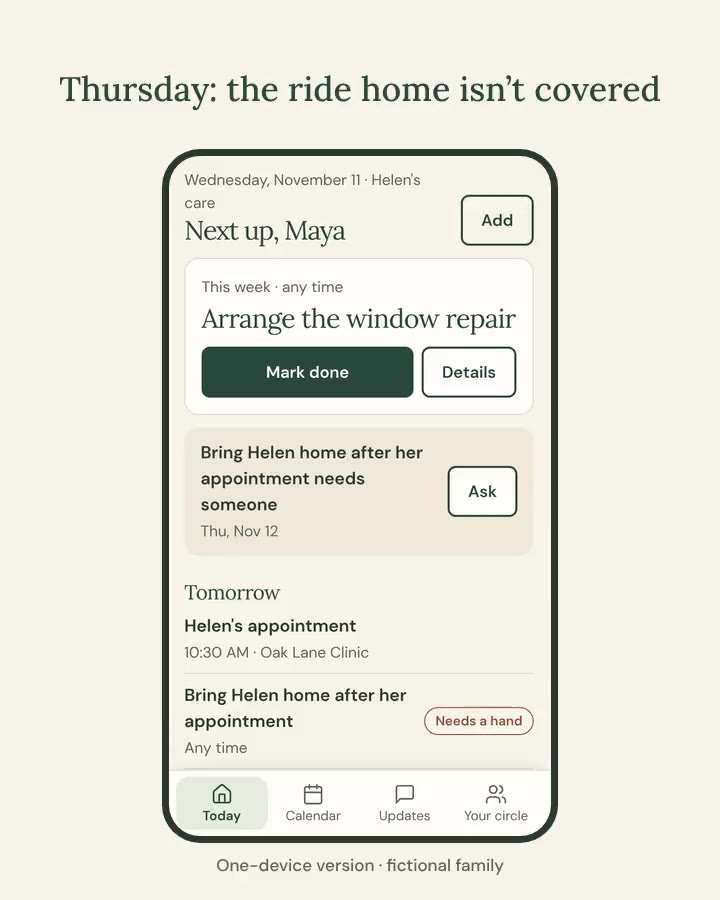
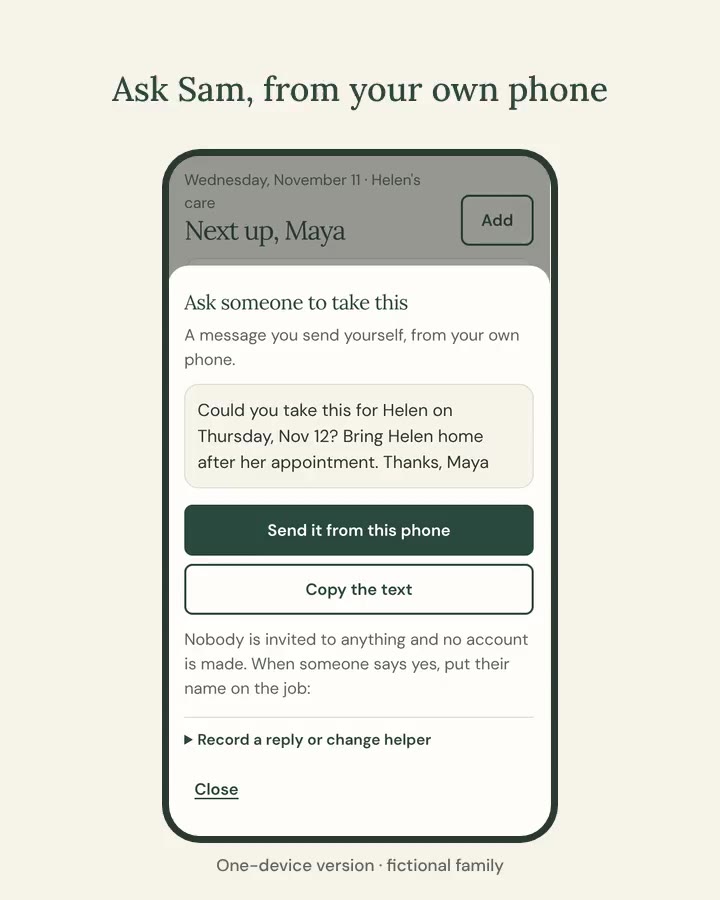
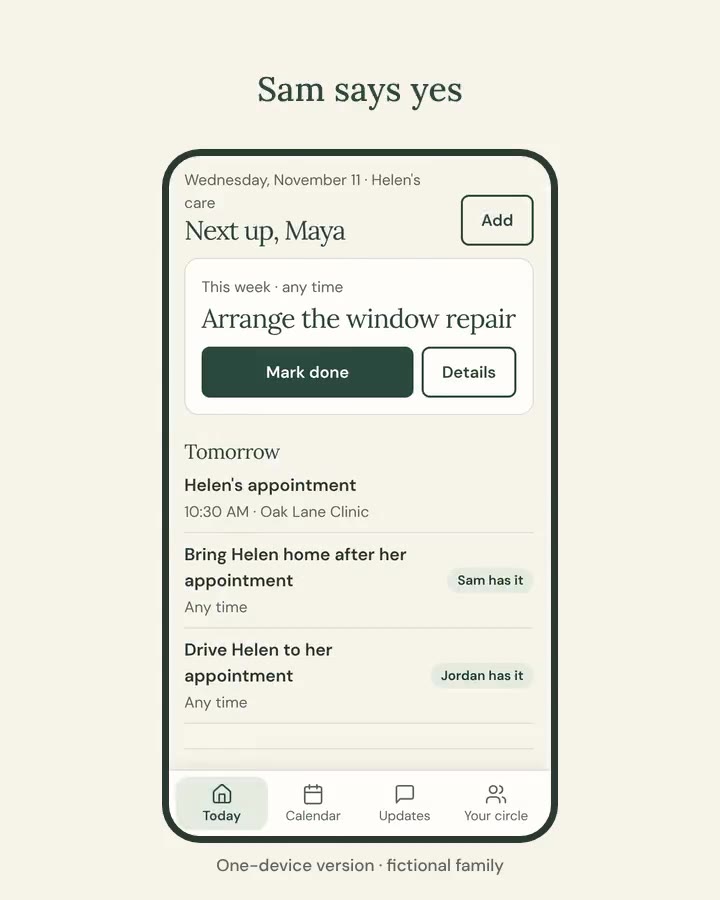
Care Circle keeps a family's week in one place. Here a fictional family covers the ride home from an appointment:
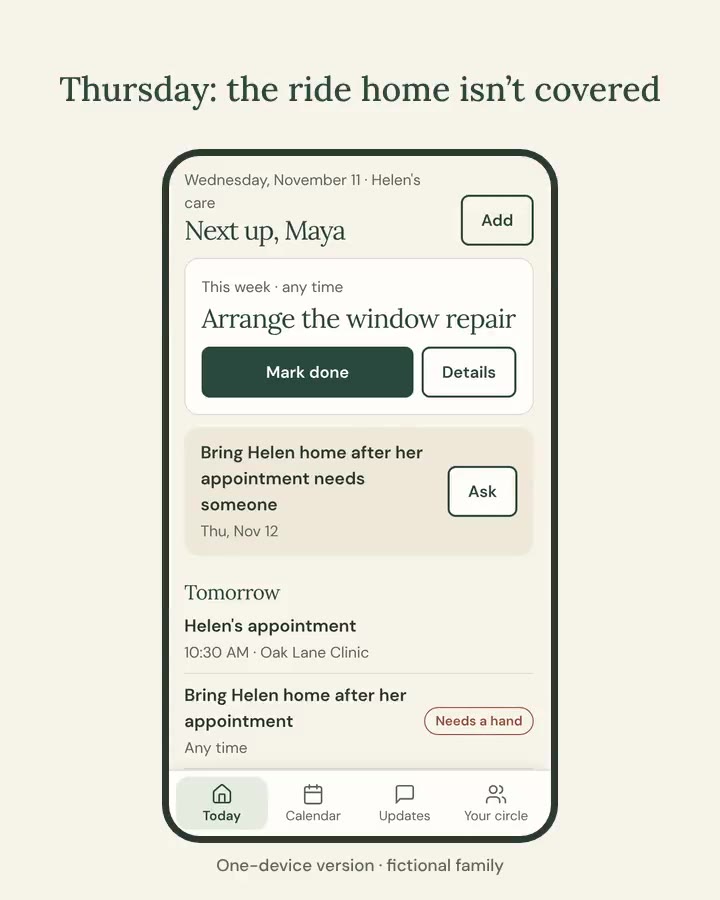
- Thursday: the ride home isn't covered
- Ask Sam, from your own phone
- Sam says yes
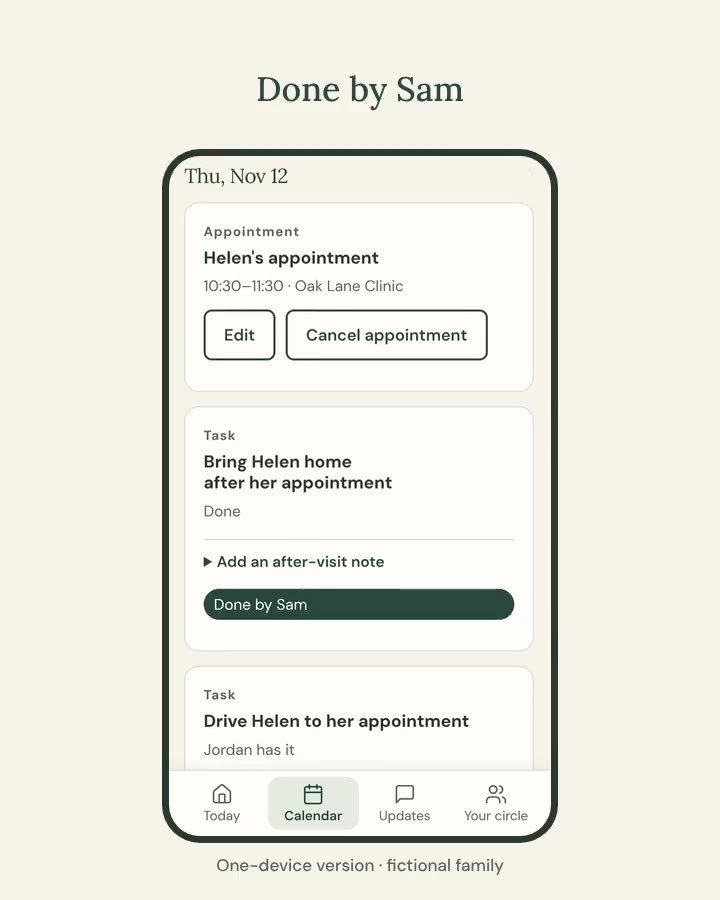
- Done by Sam
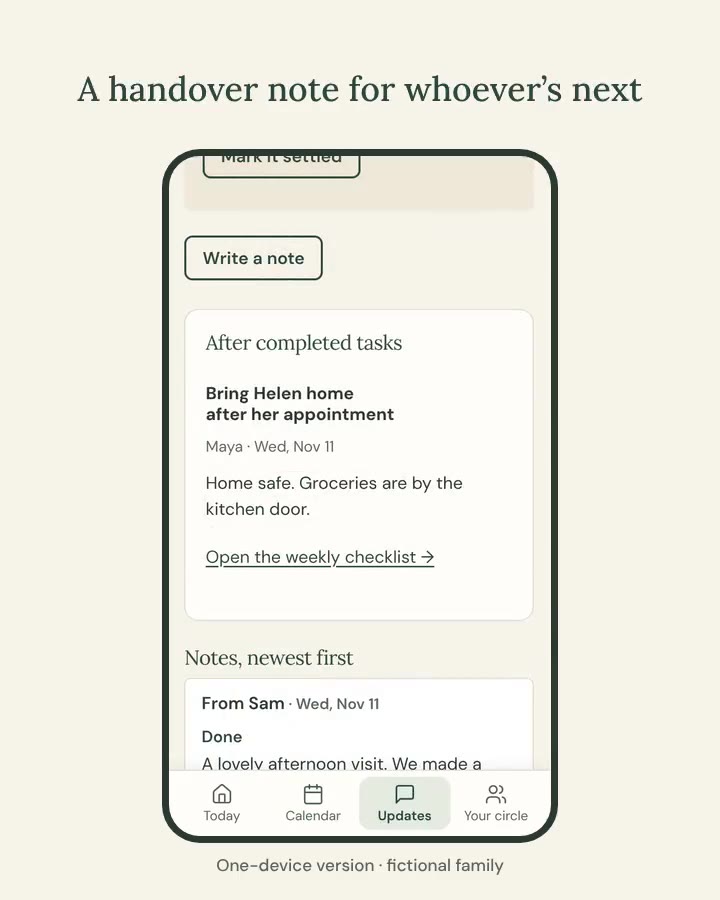
- A handover note for whoever's next
This version runs on one device: you send the messages yourself. Shared family plans are coming.
Know who said yes
Add a job and who you asked. Mark it agreed, declined or done, so nobody has to scroll back through the group chat.
Keep both trips in view
Each appointment gets a trip there and a trip home, so the ride back doesn't get forgotten.
Leave a useful handover
Note what happened, what changed and what still needs an answer, then share it as text or print it.
How it works
- Explore the sample family first. See a fictional family's plan — jobs, appointments, notes — without entering anything of your own.
- Tell it your situation. Who you're helping, how you help, and what would make this week easier. The app uses your answers to shape what it suggests.
- Add what matters this week. Start with one job or one appointment. Add helpers and more detail when you're ready.
What's in this version
Care Circle runs in your browser, with no account and nothing to download from an app store; you can add it to your home screen. Your plan details stay on your device.
Live sharing between family members' phones is not yet available. You can send a copy or a summary; copies remain separate and don't stay in sync.
Saving and coming back
Use Remember to keep your plan in this browser on this device. Clearing your browser data can remove it, so use Save a copy to keep a backup or move your plan to another phone.
Questions
Does it cost anything?
No. Care Circle is free.
What devices does it work on?
Phones, tablets and computers in an up-to-date browser.
Who can see my plan?
People using your device, and anyone you choose to send a copy or summary to.
What data does CasaLore receive?
Your plan is stored only on this device — it stays in your browser and is never sent to CasaLore's servers. We collect anonymous visit counts and standard web requests. Optional voice dictation uses your device's built-in speech service. Read our privacy policy.
Can I add it to my home screen?
Yes. On iPhone, tap the Share button in Safari, then Add to Home Screen. On Android or desktop Chrome, look for Add to Home Screen or Install in the browser menu. It then opens like an app, without the browser bar.
How do I delete my plan?
Use Clear plan from this browser in Save & privacy. This removes your plan from the device you're on. If you saved a copy to another device, that copy remains separate.
Want live shared plans?
We're building family accounts so everyone sees the same plan. Leave your email and we'll write when it's ready.