
Who drives Mom to appointments? A ride planner with backups
Can't take every appointment off work? Build a ride roster with a named driver and backup for each trip, plus a day-of checklist and a sample month.

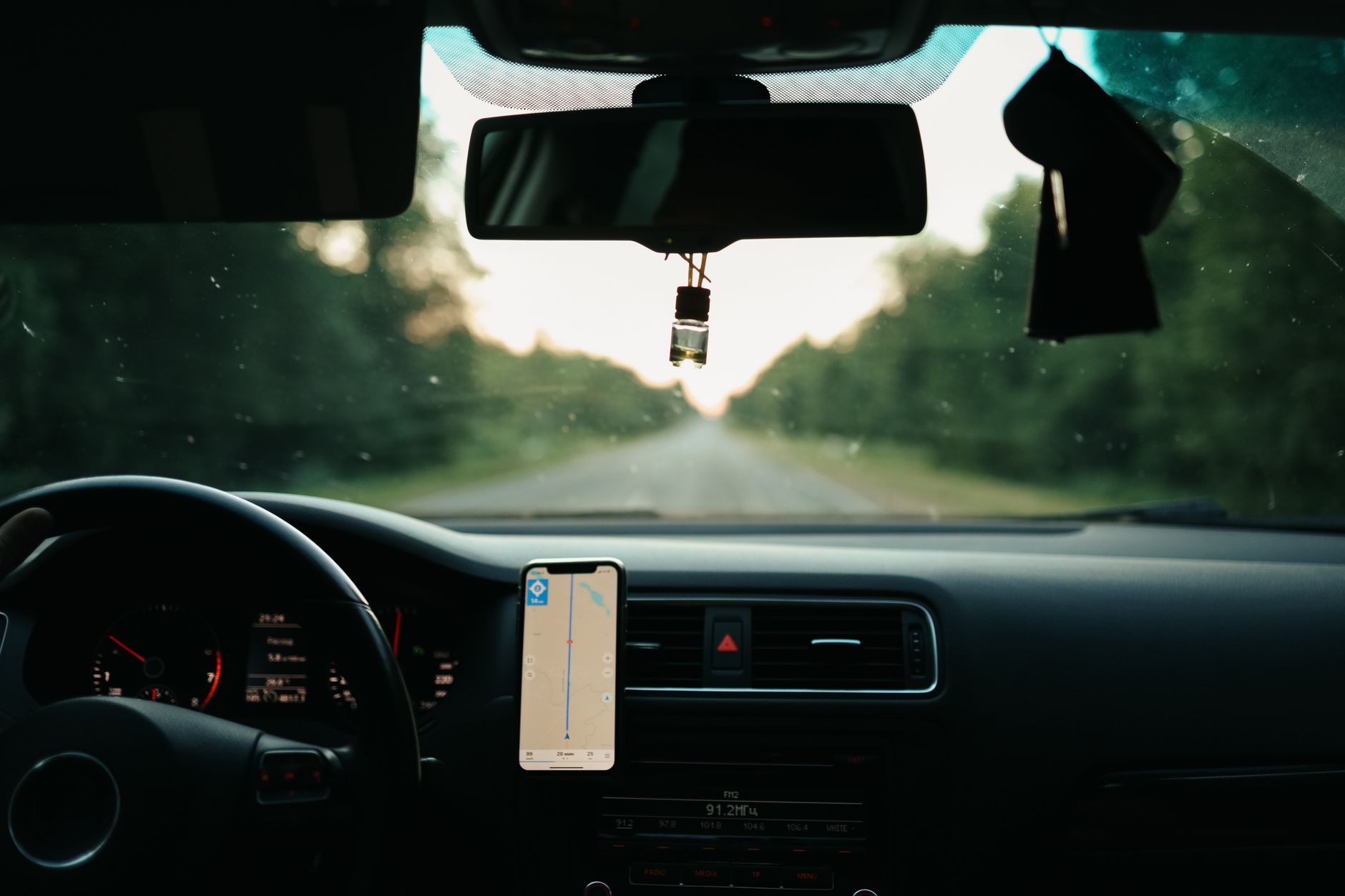
Photo: Maksim Goncharenok / Pexels
If you can't take every appointment off work, start a ride roster. It's a list of upcoming appointments with one named driver and one named backup for each. Build it for the next 30 days, keep it where the family already looks, and try confirming each ride two days ahead. Below you'll find a table to copy, a day-of checklist, a sample month with six appointments, and where to look for local rides when family can't cover a trip.
Why rides are the task that quietly breaks a care plan
A ride is a fixed time at a fixed place, usually on a weekday, and someone has to be free for it. If the driver gets stuck at work, the appointment is at risk and the day gets reshuffled.
A roster puts a name on each ride before the month gets busy. It also lets you ask a more precise question than "can anyone help?" You can ask, "Can you take Tuesday the 9th, 10:00, ride and wait?"
Not every visit needs company. In some cases all the person needs is a ride, and you can wait in the lobby, as the National Institute on Aging's appointment tips point out. Ask your mom which visits she wants you in the room for and which she'd rather handle herself. Then mark each one "ride only" or "ride and stay." Ride-only trips are easier to hand to a trusted neighbor, a friend or a volunteer driver.
This guide covers logistics only. It doesn't cover medical questions, or whether a ride is paid for by insurance or a benefit program. Put those questions to the agency or plan directly.
Step 1: List the next 30 days of appointments and who can drive
Set aside about 20 minutes for this, ideally with your mom beside you.
- Gather every appointment in the next 30 days from her calendar, her mail, appointment cards and the family chat. Add the date, time, address and how long it usually runs.
- Mark each one "ride only" or "ride and stay," based on what she wants.
- Ask your mom how much detail she's comfortable having on a shared list. Neutral labels like "Appointment, Main St." work fine if she'd rather keep the reason private.
- Ask each possible driver for their real availability, not their best intentions. Examples are "free Tuesdays and Thursdays," "two weekday mornings a month" or "afternoons only." Ask the same question about backup duty.
- Match drivers to appointments. Give the longer "ride and stay" visits to whoever can stay.
Copy this table into a shared document, or onto paper on the fridge:
| Date and time | Where | Ride only / ride and stay | Driver | Backup | Confirmed 48 hrs ahead? |
|---|---|---|---|---|---|
Post the finished roster in one place the family already checks. Our guide to one place for family updates covers how to choose that place. If you're also dividing other weekly tasks, a weekly care schedule siblings keep shows how to fit rides into the same plan.
Step 2: Name a backup for every trip
A backup is a second name beside the driver's. Three rules keep it useful:
- The backup is a different person. If the driver and backup both work the same shift, you have one plan, not two.
- The backup agrees in advance, for a time they're actually free. Don't assign it by default. Try a script like this one: "Can you be my backup for Mom's eye appointment on Friday the 12th at 2:00? You'd only drive if I text you by Wednesday night that I can't."
- The driver makes the call. If the driver has to cancel, they contact the backup. Your mom shouldn't have to arrange her own rescue.
A long-distance sibling can take backup duty too. They can research local ride options ahead of time and book one if a driver drops out. If you're carrying most of this alone, how to ask siblings for specific help has wording for the ask.
If you're the only helper, or no one else lives nearby, make a volunteer or community ride program your standing backup and set it up before you need it. The last section shows where to look.
If both the driver and the backup fall through, call the office as early as you can to reschedule, rather than leaving your mom to find her own way there.
The day-of logistics checklist
Print this or paste it into the roster. The driver runs through it the evening before.
Timing
- Confirm the appointment time and address with the office or on the appointment card.
- Try leaving 15 minutes earlier than the map says, so a slow walk from the car doesn't make you late.
- Text the backup: "All set, you're off the hook." Or: "Need you."
Parking and arrival
- Look up where to park and which entrance to use before you leave.
- Decide whether you'll drop her at the door first or walk in together.
What to bring
- Her insurance cards, the names and phone numbers of other doctors she sees, and her medical records if the doctor doesn't already have them. That list comes from the National Institute on Aging's caregiver tips, which also suggest making sure she remembers her eyeglasses or contact lenses.
- A water bottle, a snack, a phone charger and something to read if you'll be waiting.
Afterward
- Write down anything the family needs to know, and send it to the shared place. A visit handover note gives you a format for passing details on.
- Add the next appointment to the roster before you leave the parking lot.
A worked example: one month, three drivers
Here's a made-up example to show how the roster balances. Imagine three people, each with a stated window:
- Dana works from home and is free all day on Tuesdays and Thursdays.
- Marcus lives 40 minutes away and can take two weekday mornings off a month. Whether he's named as driver or backup, each row he appears in uses up one of the two.
- Priya, a neighbor, is free on weekday afternoons, any day.
The rule for the roster: a name only goes in a row if the appointment falls inside that person's window.
| Row | When | Appointment | Type | Driver | Backup |
|---|---|---|---|---|---|
| 1 | Week 1, Tue 10:00 a.m. | Follow-up visit | Ride and stay | Dana | Marcus |
| 2 | Week 1, Thu 2:00 p.m. | Eye exam | Ride only | Priya | Dana |
| 3 | Week 2, Thu 1:30 p.m. | Lab visit | Ride only | Dana | Priya |
| 4 | Week 3, Tue 11:00 a.m. | Specialist visit | Ride and stay | Marcus | Dana |
| 5 | Week 3, Thu 1:15 p.m. | Dentist | Ride only | Priya | Dana |
| 6 | Week 4, Tue 3:00 p.m. | Hearing check | Ride only | Dana | Priya |
What you can check row by row:
- Every name sits inside its window. Dana appears only on Tuesdays and Thursdays (rows 1 to 6). Priya appears only on afternoon visits (rows 2, 3, 5 and 6). Marcus appears only on morning visits (rows 1 and 4).
- Marcus uses exactly his two mornings. He's backup in row 1 (10:00 a.m.) and driver in row 4 (11:00 a.m.).
- The two "ride and stay" visits are rows 1 and 4. Dana drives row 1 and Marcus drives row 4.
- Nobody is both driver and backup in the same row.
- Dana is named in all six rows. She drives rows 1, 3 and 6, and she's backup in rows 2, 4 and 5. A shared roster makes that load visible.
Next month, you could move some of it. Rows 3 and 6 are afternoon, ride-only visits, so Priya could drive them with Dana as backup. Or ask a volunteer ride program to take one of them.
Where to find local transportation help
When family can't cover every ride, start with the Eldercare Locator at eldercare.acl.gov. It connects older adults and caregivers with trustworthy local support resources, including transportation, according to the Administration for Community Living.
Ask your local Area Agency on Aging too. These agencies develop and manage senior transportation programs and often lead local and regional efforts to coordinate transportation services, says USAging.
Options vary by area. Various state and local agencies, nonprofit organizations and companies offer transportation services for older adults, notes the National Institute on Aging. Many organizations can help you access transportation or other necessary services, adds the Accessible Transportation Resource Center.
Volunteer programs can make good backups. These are run by nonprofits or faith-based groups, and older adults can schedule a pick up and drop off for free or a small fee, as the National Council on Aging describes them. Before signing up, the same NCOA guide advises asking how much rides cost, when to schedule rides, and whether caregivers can join you. Put the answers in your roster, including how far ahead the program needs a booking, so the backup works when you need it.
Your next step: fill in the first row of the table today and text one person: "Can you be my backup for Mom's next appointment?"
Sources used for this guide
- Find Services · Accessible Transportation Resource Center, Administration for Community Living · checked Oct 19, 2026Primary source
- Getting Started · Administration for Community Living (ACL), U.S. HHS · checked Oct 19, 2026Primary source
- Services for Older Adults Living at Home · National Institute on Aging (NIH) · checked Oct 19, 2026Primary source
- Taking Someone to a Doctor's Appointment: Tips for Caregivers · National Institute on Aging (NIH) · checked Oct 19, 2026Primary source
- How to Find Transportation Resources Near You · National Council on Aging (NCOA) · checked Oct 19, 2026
- Transportation and Mobility · USAging · checked Oct 19, 2026
Spotted a mistake or a source we should look at? Tell us.
What to do next

Where to get help
- 211 · United Way and local partners
A local specialist for anything from caregiver support to food and bills.
- BenefitsCheckUp · National Council on Aging
A free, confidential screening for programs that help with food, medicine, utilities and health costs.
- Caregiving (National Institute on Aging) · National Institute on Aging
Plain-language caregiving guides from the federal research institute on aging.